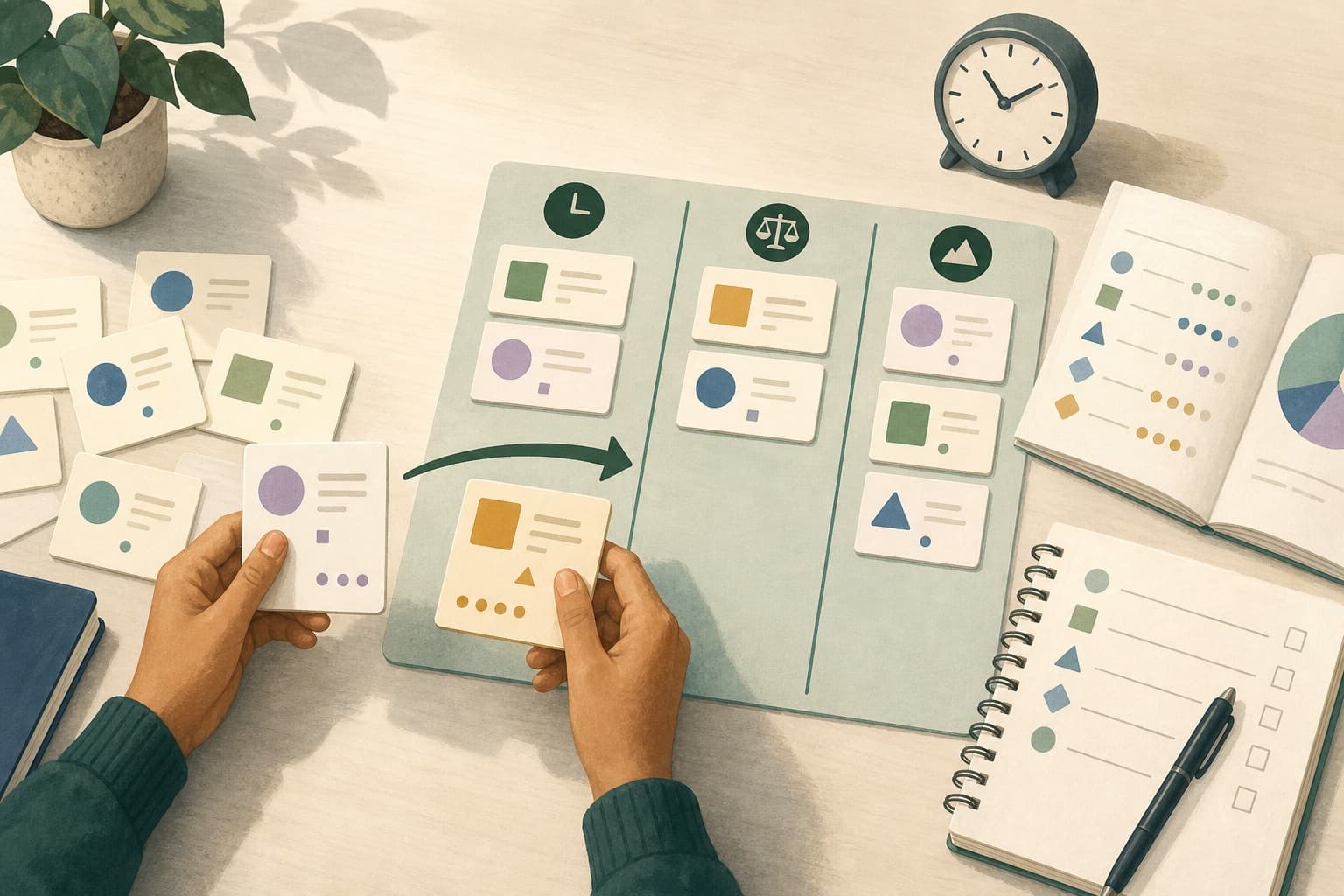
Canvas Calendar vs an AI study planner: what each one does
An honest comparison of the built-in Canvas calendar and a dedicated study planner, including when the free built-in option is genuinely enough.The Canvas Calendar shows what is due and when, accurately and for free, and it does not decide anything for you. An AI study planner takes those deadlines plus your available time and proposes when to do the work. If your problem is not knowing what is due, Canvas is sufficient; if your problem is knowing what is due and not knowing what to do tonight, it is not.
What the Canvas Calendar is good at
It is worth starting with what the built-in tool does well, because a comparison that only lists limitations is marketing rather than analysis.
The Canvas Calendar is authoritative. It reflects what instructors actually set, it updates the moment they change something, and it requires no setup, no third-party access, and no subscription. For seeing what is due across every course in one view, it is accurate and immediate, and the Canvas Student Guide documents how to use its views and its feed.
For a student whose difficulty is purely visibility, this is the whole solution, and adding another tool on top would be complexity without benefit.
What it does not do
The Canvas Calendar records deadlines. It does not model how long anything takes, it does not know what else is on your schedule, and it does not have an opinion about what to do first.
That is not a defect. It is a course management system showing course data, and the information it lacks, such as your work shifts and your realistic estimate of how long a lab report takes, is information it was never given.
The consequence is that the calendar tells you five things are due on Friday and stops. Which one to open on Tuesday evening, whether all five will fit, and what to sacrifice if they will not, are questions it does not attempt.
What a study planner adds, and what it costs
A study planner takes deadlines as inputs alongside two things Canvas does not have: your actual availability and an estimate of effort per task. With those, it can propose a schedule rather than a list.
- It schedules the work, not just the deadlineWorking sessions get placed in the time you actually have, before the deadline rather than on it.
- It re-ranks when things changeA moved deadline or a missed session changes what should happen next, and that recalculation is the part that is tedious to do by hand every week.
- It reasons about weight and effort togetherWhich is the arithmetic students most often skip, and the reason low-value work crowds out high-value work.
- The costs are realAnother account, another integration with access to your course data, usually a subscription, and a recommendation engine whose reasoning you have to be able to check. A planner that cannot explain why it ranked something first is asking for trust it has not earned.
How to tell which one you need
The distinguishing question is what actually goes wrong for you.
If you miss deadlines because you did not know about them, that is a visibility problem and the Canvas Calendar solves it completely. Subscribe to the feed, check it weekly, and add nothing else.
If you know exactly what is due, look at the list, and still cannot decide what to do tonight, or if you consistently arrive at heavy assignments with too little time while having done plenty of small ones, that is a prioritization and scheduling problem. More visibility will not fix it, because you already have visibility.
- Missed something you did not know about: use the Canvas Calendar and its feed.
- Knew about everything and still ran out of time: the problem is allocation, not information.
- Spent the term busy and still surprised by a big assignment: the problem is that large work was never scheduled, only listed.
They are not mutually exclusive
The framing as a choice is mostly false. The Canvas Calendar remains the authoritative record of what instructors have set, and it should stay that way regardless of what else you use.
A planner sits on top as a scheduling layer. If the two ever disagree about when something is due, Canvas is right, and any planner that encourages you to believe otherwise is one to stop using.
A worked example: two students, two different answers
Two students in the same programme both report feeling behind. One missed two submissions last term; the other has not missed a deadline but finished the term exhausted with a low grade on the largest paper.
- The first student's missed submissions were both items they did not know existed, because they checked the Canvas dashboard rather than the calendar and the items were not on the dashboard view they used.
- For that student, the fix is entirely free: subscribe to the calendar feed, check it once a week. No planner would have helped with a problem that was purely about looking in the wrong place.
- The second student knew about every deadline. The low paper grade came from starting a 30% paper four days before it was due, having spent the preceding weeks on weekly problem sets worth 2% each.
- That is an allocation failure, and it is exactly the failure a scheduling layer addresses, because the paper needed protected time reserved weeks earlier rather than better visibility.
Same symptom, opposite diagnoses. One student needs a calendar subscription and nothing more; the other needs the work scheduled rather than listed.
Where this stops applying
- Any planner that connects to Canvas is being given access to your course data. Read what it stores and what it shares before connecting it, and prefer tools that let you review extracted data before it is saved.
- AI-generated schedules are proposals, not instructions. A planner that cannot tell you why it ranked something first is one you cannot check, and an unexplained recommendation is worth less than your own reasoning.
- Institutions differ in what they permit third-party tools to access, and some restrict integrations entirely. Check your institution's policy before connecting anything.
- No tool fixes an overcommitted term. If the honest arithmetic says the work does not fit in the available hours, the answer is a course load conversation with an advisor, not better scheduling.
Sources
Keep Canvas authoritative, add the scheduling
Studyism reads Canvas deadlines as the source of truth and builds the study sessions around them in the time you actually have.Related reading
- How to get Canvas assignments into Google CalendarThe three ways to move Canvas due dates into Google Calendar, what each one does when a deadline changes, and why the built-in feed alone is rarely enough to plan from.
- How to prioritize assignments by deadline, grade weight, and effortA three-variable method for deciding which assignment to work on tonight, including how to break ties and what to do when everything is due at once.
- How to build a weekly study schedule that adaptsBuild a weekly plan around the time you actually have, with a rescheduling rule that lets it survive a bad week instead of being abandoned.
- What is the best study planner for Canvas and Google Calendar?What to look for in a planner that connects to both Canvas and Google Calendar, and when you do not need one at all.
- What is an AI study planner?What an AI study planner does, how it differs from a to-do list or calendar, and what it cannot do for you.
- What is the difference between one-way and two-way Canvas sync?What one-way and two-way calendar sync mean in practice for Canvas, and why the built-in feed is deliberately one-way.
- Is it safe to upload my class materials to a study tool?What to check before uploading notes, slides, or a syllabus to a third-party study tool, including copyright and privacy considerations.