
Studyism Resources
Study guides and answers for college students
Practical guides and short answers on planning a semester, deciding what to work on next, catching up after falling behind, and studying so it sticks.Written and reviewed by the Studyism editorial teamLast updated August 25, 2026
Start here
Featured guide7 min read
How to turn a syllabus into a semester study plan
Read the syllabus once for structure, then extract four things: graded items with dates, the grading weight table, recurring weekly work, and the exam schedule. Put every dated item on one calendar, then work backward from each deadline to place preparation time. Plan the first three weeks in detail and leave the rest as placeholders, because a semester plan built in week one is a forecast, not a schedule.Read the guide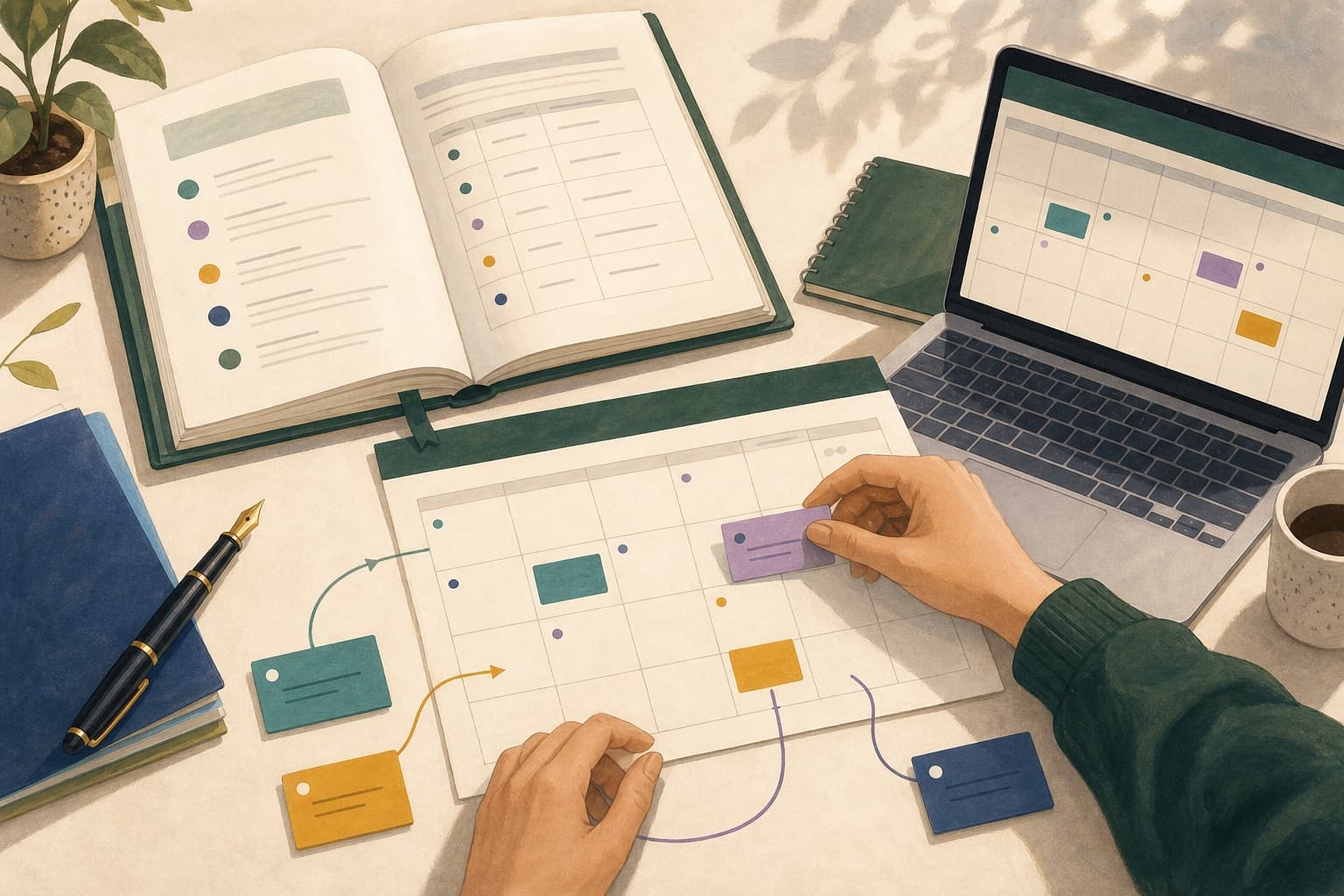
Find your problem
Four situations that account for most of the time students lose. Each one has guides, short answers, and the Studyism feature built for it.Plan the semester
You have a syllabus, a Canvas course, and a calendar that do not talk to each other, and no plan that survives contact with a real week.3 guides · 6 answers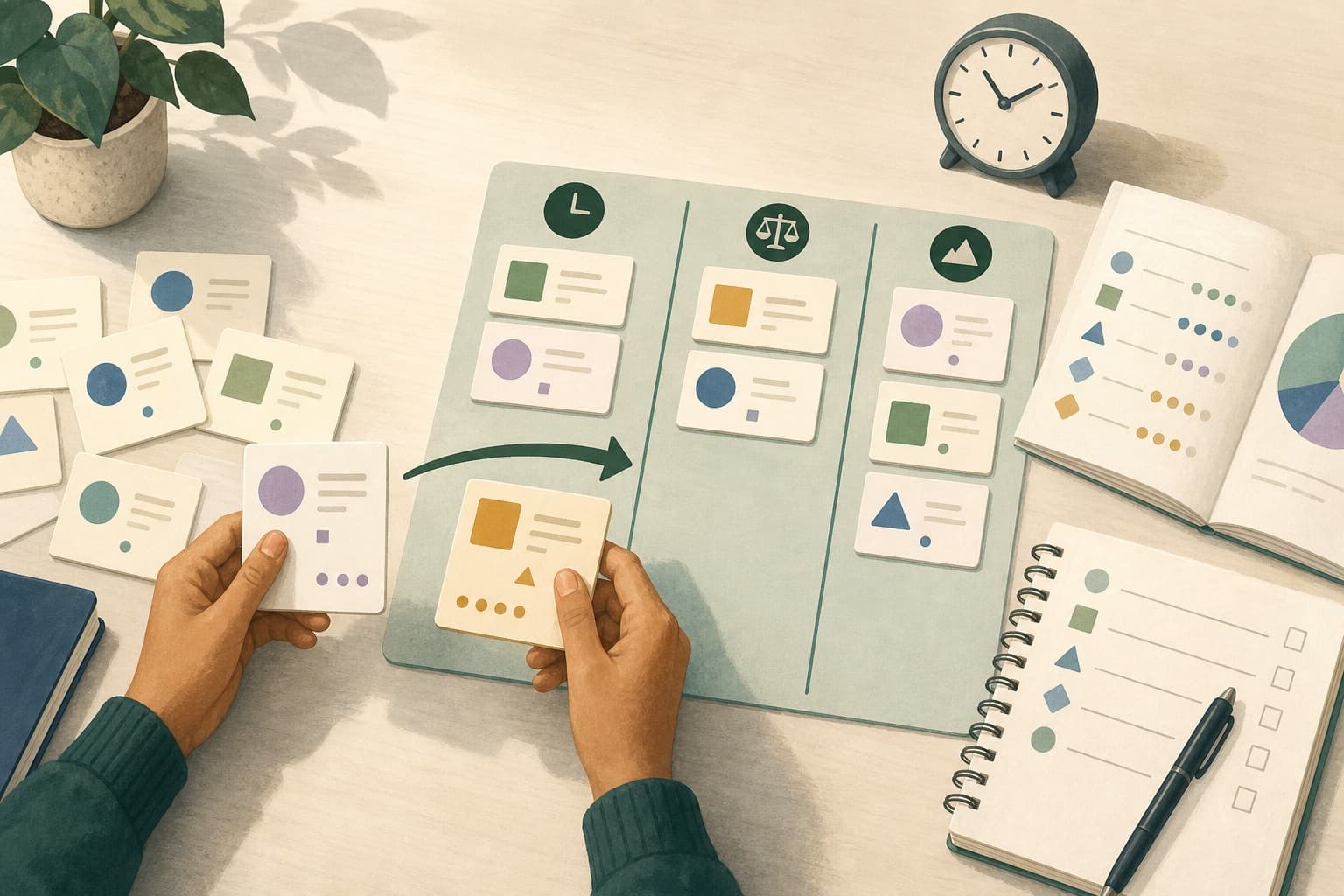
Decide what to do next
Everything on the list feels urgent, so you either work on whatever is loudest or you stall out choosing.3 guides · 5 answers
Catch up after falling behind
You lost days to illness, work, or a bad week, and the backlog is now large enough that starting anywhere feels arbitrary.2 guides · 2 answers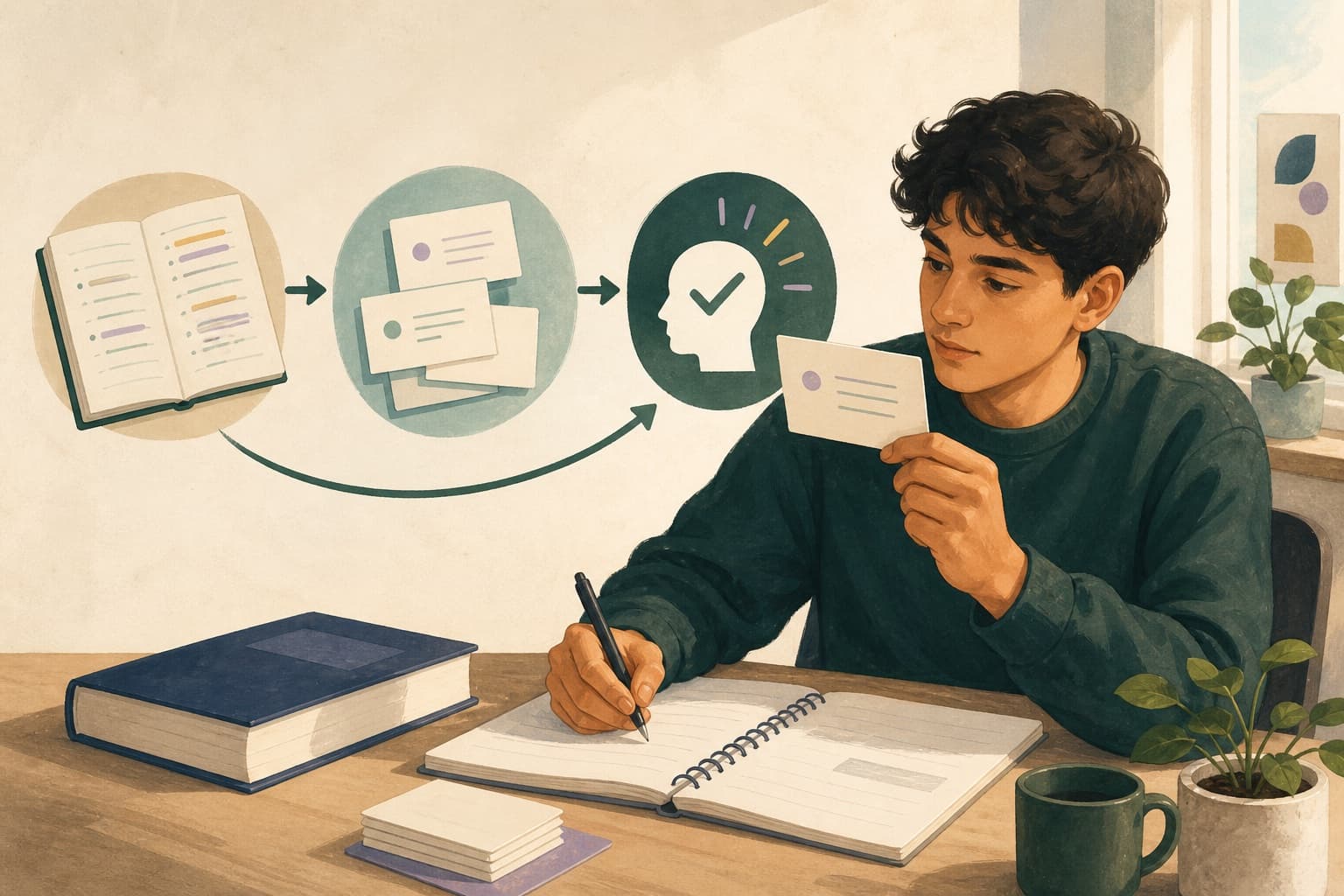
Study so it actually sticks
You put in hours, recognize the material when you see it, and then cannot produce it on the exam.2 guides · 5 answersAll guides
- Flashcards, practice questions, or rereading: which to use whenWhat each study method actually trains, when each one is the right choice, and why the most popular method is usually the least effective per hour.5 min
- Canvas Calendar vs an AI study planner: what each one doesAn honest comparison of the built-in Canvas calendar and a dedicated study planner, including when the free built-in option is genuinely enough.5 min
- How to turn your notes into effective practice questionsA method for converting lecture notes into questions that test recall and application rather than recognition, with examples of weak questions rewritten.5 min
- How to build a weekly study schedule that adaptsBuild a weekly plan around the time you actually have, with a rescheduling rule that lets it survive a bad week instead of being abandoned.5 min
- How to prioritize assignments by deadline, grade weight, and effortA three-variable method for deciding which assignment to work on tonight, including how to break ties and what to do when everything is due at once.6 min
- How to get Canvas assignments into Google CalendarThe three ways to move Canvas due dates into Google Calendar, what each one does when a deadline changes, and why the built-in feed alone is rarely enough to plan from.5 min
- How to build a 48-hour catch-up planA triage method for the two days after you fall behind: what to submit, what to salvage, what to abandon, and how to protect the work that still counts.5 min
- How to turn a syllabus into a semester study planA step-by-step method for converting a course syllabus into dated, prioritized study work you can actually follow, including what to do when the syllabus is vague.7 min
- How to break a rubric down into steps you can startTurn a grading rubric into an ordered task list, including how to read rubric language, where the marks actually are, and what to do first when the prompt is vague.5 min
- What to do when you have missed a week of collegeA recovery sequence for the week after an absence: who to contact first, how to find out what you actually missed, and what to skip so the important work survives.5 min
Popular answers
Short, direct answers to the questions students ask most often.- What is the best study planner for Canvas and Google Calendar?What to look for in a planner that connects to both Canvas and Google Calendar, and when you do not need one at all.
- Are AI-generated practice questions reliable?How much to trust AI-generated study questions, what they get wrong, and how to use them without being misled.
- Is it safe to upload my class materials to a study tool?What to check before uploading notes, slides, or a syllabus to a third-party study tool, including copyright and privacy considerations.
- Is using an AI study planner cheating?Where scheduling help sits relative to academic integrity rules, and which uses of AI study tools cross the line.
- What is an AI study planner?What an AI study planner does, how it differs from a to-do list or calendar, and what it cannot do for you.
- What makes a good practice question?The properties that separate practice questions that build recall from ones that only test recognition.
- How do I identify my weak areas before an exam?How to find the topics you cannot actually produce, rather than the ones that merely feel unfamiliar.
- How do I estimate how long an assignment will take?A practical method for estimating assignment duration, including how to correct the optimism that makes most estimates wrong.
- How do I adapt my study plan when my schedule changes?A rescheduling rule that lets a weekly plan survive missed sessions instead of being abandoned.
- What should I do when two assignments are due the same day?How to sequence two assignments with the same deadline using weight, effort, and how much partial credit each one allows.
- How do I prioritize assignments by grade weight?How to use the syllabus grading table to rank work, and why weight alone is the wrong variable to sort by.
- How do I sync Canvas assignments to Google Calendar?How to subscribe to the Canvas calendar feed from Google Calendar, and what the subscription can and cannot do afterward.
- What is the difference between one-way and two-way Canvas sync?What one-way and two-way calendar sync mean in practice for Canvas, and why the built-in feed is deliberately one-way.
- Should I do overdue work or study for an upcoming exam?How to decide between clearing a backlog and preparing for an exam, using weight, whether the overdue work still scores, and time remaining.
- How do I catch up on schoolwork without pulling an all-nighter?A triage approach to clearing a backlog that treats sleep as a scheduling constraint rather than a resource to spend.
- How do I turn a syllabus into a calendar?The fastest reliable way to get every graded item from a syllabus onto a dated calendar, including undated recurring work.
- How do I turn a rubric into a project plan?Convert rubric criteria into ordered, startable tasks, including how to handle abstract criteria like 'demonstrates analysis'.
- What should I do after missing a week of class?The recovery sequence after an absence: who to contact, how to find out what you missed, and what to skip.
Studyism tools
What each part of Studyism does, including where it stops. AI study plannerStudyism turns your deadlines, course materials, and calendar into a weekly study plan that fits the time you actually have, and updates it when things change.
 Canvas study plannerStudyism reads your Canvas assignments alongside your calendar and schedules the work in the time that is genuinely free, instead of showing you another list of due dates.
 Syllabus to calendarUpload a syllabus and Studyism extracts every graded item, date, and grading weight as a reviewable draft, then places the work on your calendar.
 Assignment breakdownStudyism reads an assignment prompt and rubric and proposes ordered steps with a finish condition for each, so a large assignment has an obvious first action.
 Catch-up planCatch-Up Mode sorts outstanding work by what still counts, what can be salvaged, and what to let go, then protects the next assessment.
 Notes to practice questionsStudyism generates practice questions and flashcards from the notes, slides, and readings you upload, each linked back to its source so you can check it.