Plan the semesterAnswer
How do I sync Canvas assignments to Google Calendar?
Open the Calendar in Canvas and copy the Calendar Feed link, then in Google Calendar add it under Other calendars using the option to subscribe from a URL. The result is a read-only subscription that updates when instructors change deadlines. You cannot edit those events or attach study time to them, so schedule your actual work as separate events you own.
Written and reviewed by the Studyism editorial teamLast reviewed August 21, 2026
Setting it up so it stays useful
- Copy the feed link from the Canvas CalendarCanvas exposes a per-user subscription URL. Treat it as a secret: anyone holding it can see your assignment schedule, and Canvas lets you reset it if it leaks.
- Subscribe from URL in Google CalendarAdd it under Other calendars rather than importing it. Importing copies events once; subscribing keeps following the source.
- Give the subscription its own colourSo deadline markers read as background constraints rather than as time you have committed to work.
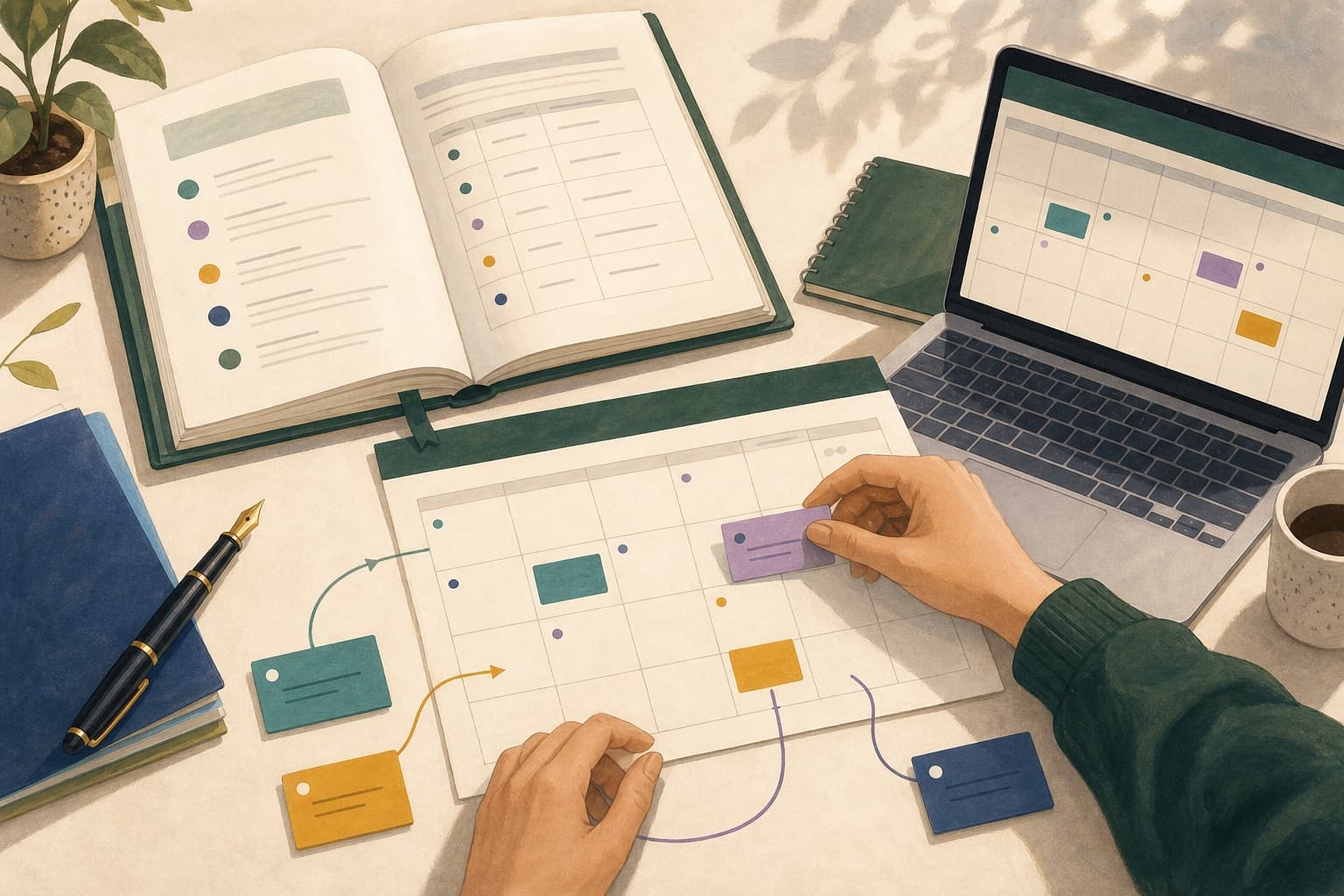
- Build your own sessions on topThe feed tells you what is due. Your own events say when you will do it, and only the second kind can be moved when the week changes.
A concrete example
After subscribing, a student sees thirty-one grey deadline markers across the term. None of them say when to work. They add their own sessions in a second colour, placing the session that finishes each problem set on Thursday rather than on the Friday the deadline sits. The grey layer updates itself; the coloured layer is the one they reschedule.
Exceptions
- Subscribed calendars refresh on the calendar provider's schedule, not instantly, so a change made in Canvas may not appear in Google for some time.
- Not every institution enables the feed, and some restrict which items appear in it. A feed noticeably thinner than your Canvas dashboard is probably incomplete.
- Deleting an event from your Google Calendar view changes nothing in Canvas and does not mean the work is not due.
Sources
Canvas Calendar documentation(opens in new tab)Instructure Community
Deadlines and work time together
Studyism reads Canvas assignments alongside your calendar and schedules the work in the time that is genuinely free.Related answers and guides
Guides
- How to get Canvas assignments into Google CalendarThe three ways to move Canvas due dates into Google Calendar, what each one does when a deadline changes, and why the built-in feed alone is rarely enough to plan from.
- Canvas Calendar vs an AI study planner: what each one doesAn honest comparison of the built-in Canvas calendar and a dedicated study planner, including when the free built-in option is genuinely enough.
Answers
- What is the difference between one-way and two-way Canvas sync?What one-way and two-way calendar sync mean in practice for Canvas, and why the built-in feed is deliberately one-way.
- What is the best study planner for Canvas and Google Calendar?What to look for in a planner that connects to both Canvas and Google Calendar, and when you do not need one at all.
- How do I turn a syllabus into a calendar?The fastest reliable way to get every graded item from a syllabus onto a dated calendar, including undated recurring work.